Last updated: August 18, 2026. Editorial maintenance: AI models, tool capabilities and production software change quickly; Leopati reviews this tools-and-pipeline guide every 60-90 days and updates tool categories when material changes occur.
Lists of “best AI filmmaking tools” usually stop at a single generation model, as if picking the right app were the whole job. A real production uses a stack of tools across several stages, and the model is often the smallest decision in that stack.
Pre-production and reference tools
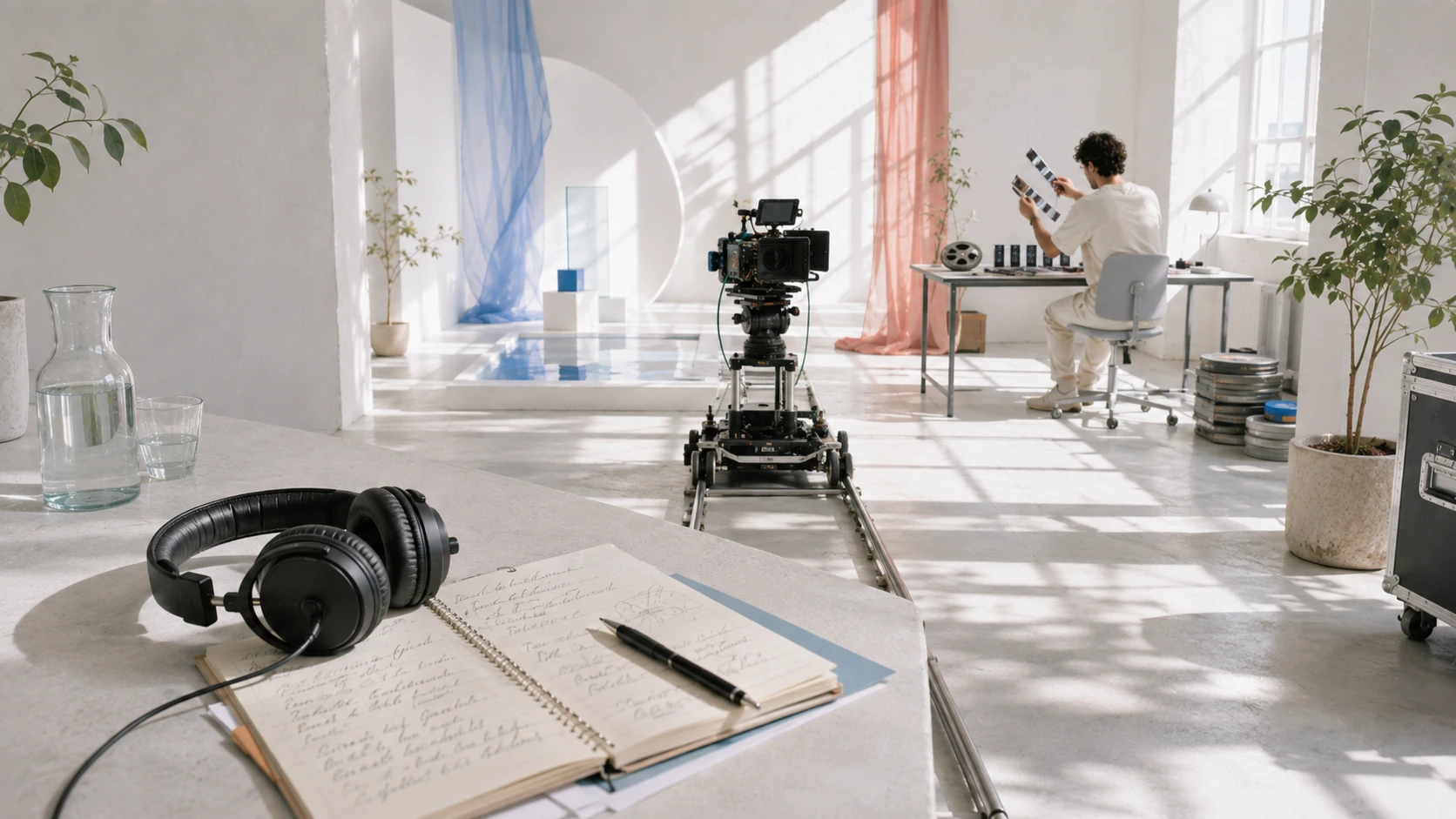
Before generation starts, a project needs a visual bible: mood boards, character sheets and environment references built with standard image tools, plus a shot list and script the same as any traditional production would use.
Generation tools
This is the stage people mean when they say “AI filmmaking tools”, the models used to generate shots. In practice a studio typically works across more than one model, choosing whichever handles a given shot’s motion, character consistency or environment best, rather than committing to a single tool for an entire project.
Consistency and control layers
The tools that keep a face, outfit or set consistent across shots, reference-locking, seed control, inpainting for fixes, matter more to the finished quality than the base generation model itself. This is the layer most “prompt and go” tutorials skip entirely, and it’s the difference between a demo clip and a usable shot.
Post-production tools
Editing, color grading and sound design happen in the same professional tools used on any traditional shoot, Premiere, DaVinci Resolve, standard audio workstations. Nothing about post-production changes because the source footage was generated.
Why the tool list matters less than the pipeline
Two studios can use the exact same generation model and produce wildly different results, because the difference is in the reference-building, consistency work and finishing, not the model choice. See how AI filmmaking actually works for the full pipeline, or our AI film production service to discuss a project.
Related guides
This work at Leopati
Service: AI Film Production