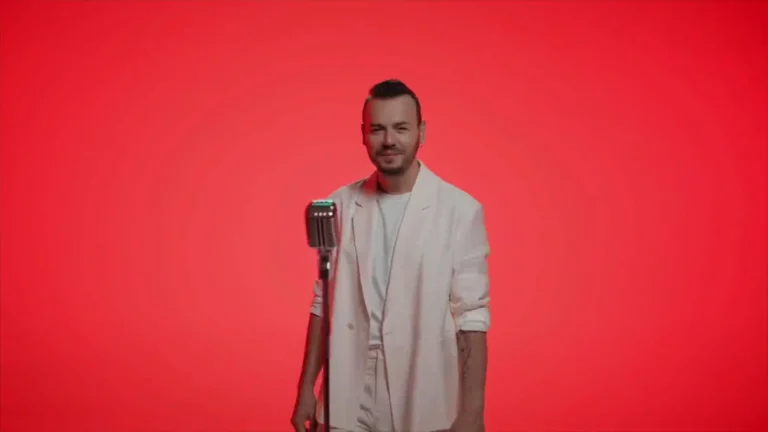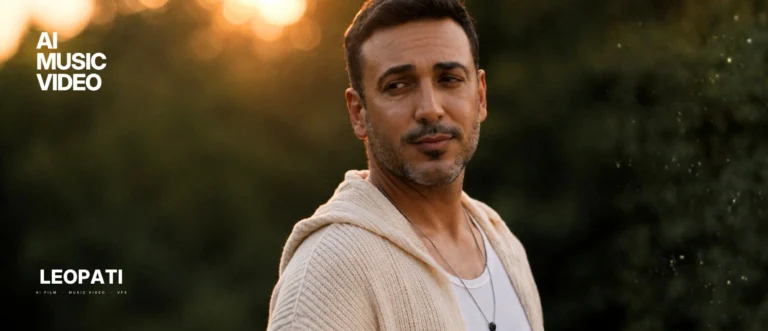
A cinematic AI music video feels directed when creative intent controls every production layer: shot language (framing and movement), clear continuity rules (spatial and performance matching), editorial pacing keyed to the music, and a final grade and sound mix that unify generated imagery into a single cinematic world.
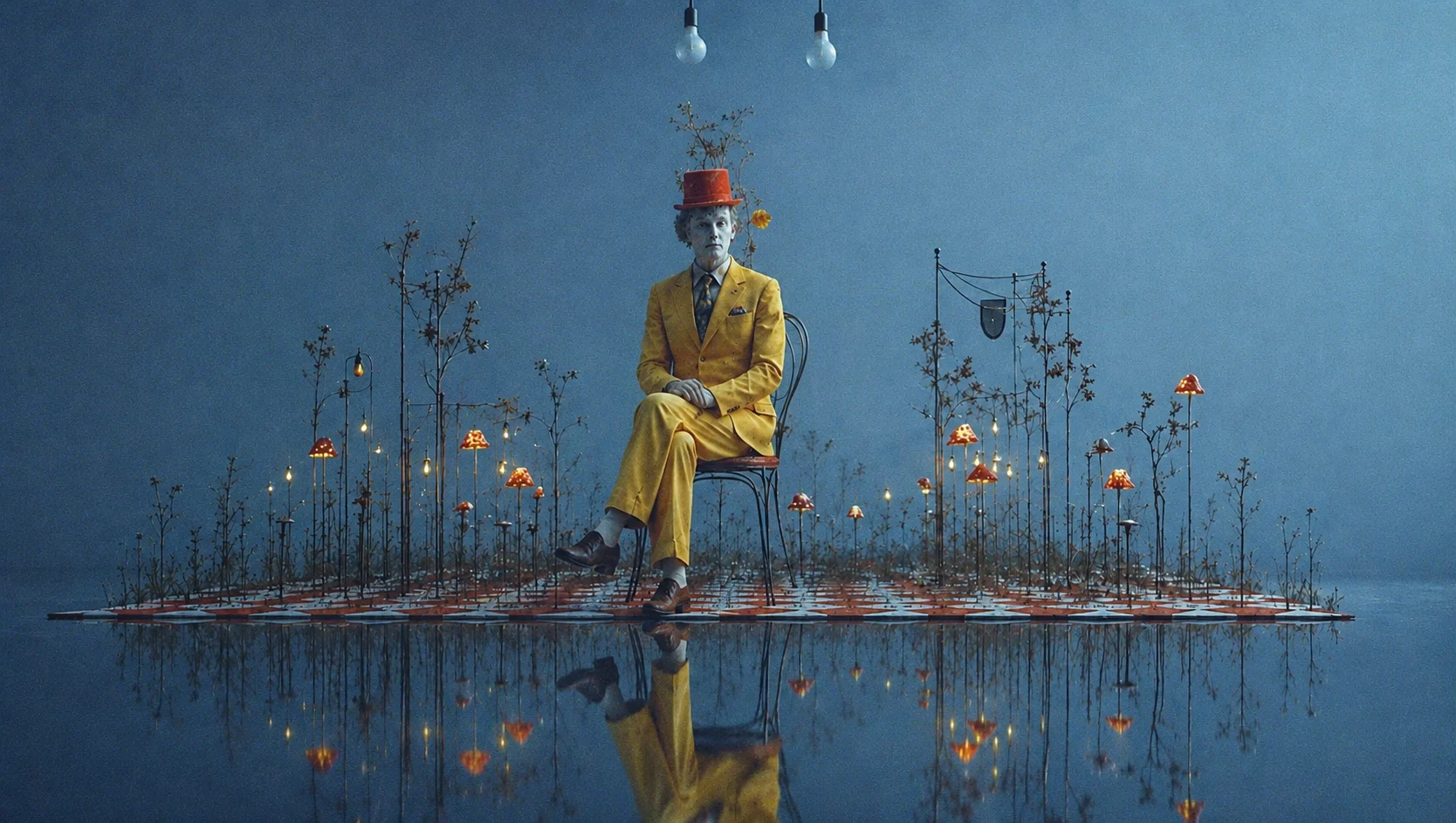
Producing a cinematic AI music video is not just about getting striking frames from a generator. It’s about treating generative elements like production assets and applying the same film-language discipline you’d use on set. Below are practical principles and a short production checklist to help artists, directors and creative teams move a project from “interesting” to cinematic.
1. Direction: define visual intent before you generate
- Start with a one-line creative intent (mood, protagonist, conflict or visual metaphor). Use that to guide prompts, style frames and reference clips. Without a clear intent, generators tend to drift.
- Build a small visual bible: five reference frames (lighting, lens, color mood, costume silhouette, key movement). These keep every generated shot on the same story page.
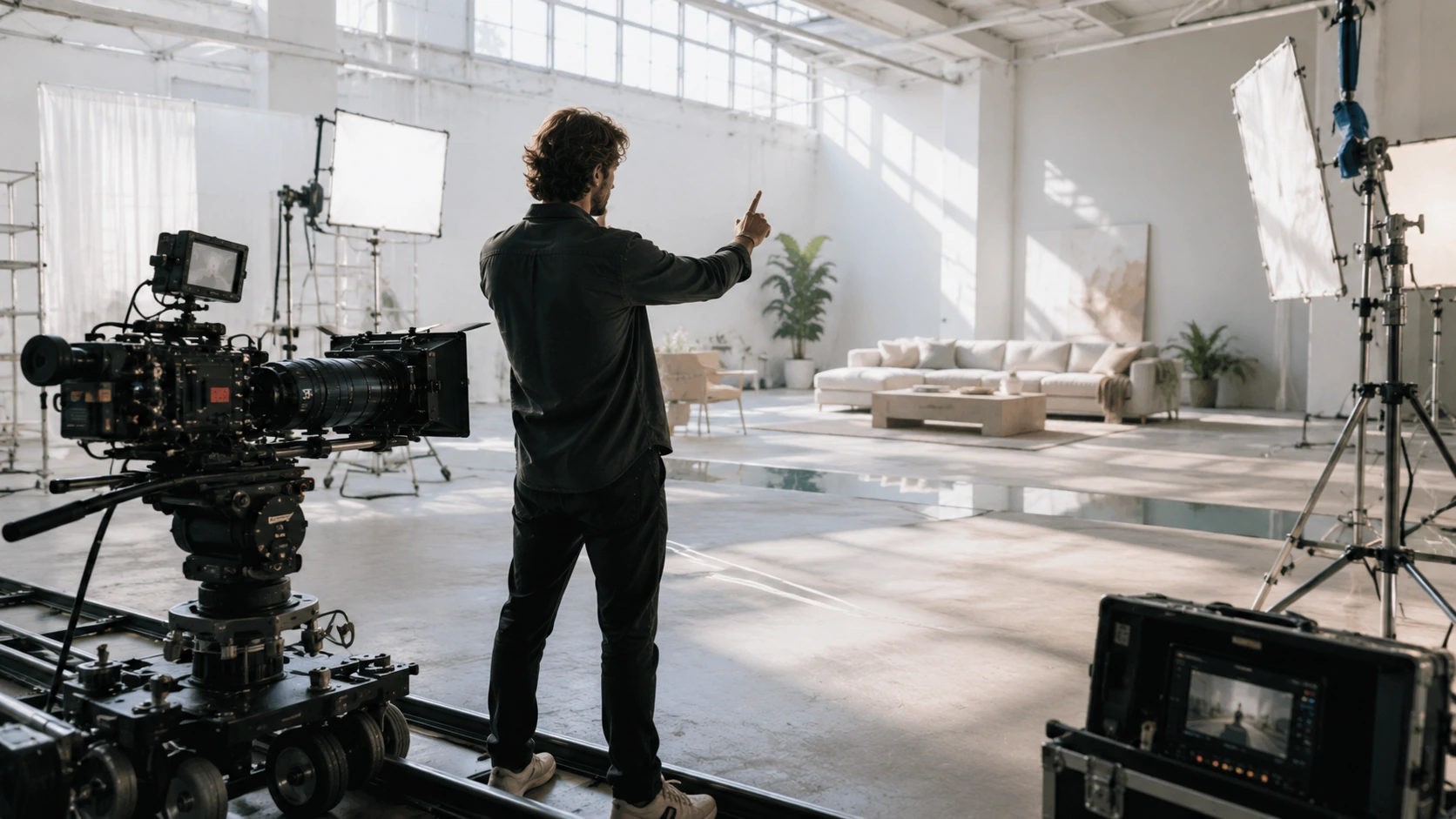
- Plan coverage like a film shoot: wide establishing shots, mediums for action, close-ups for emotional beats. Even if every frame is generated, defining coverage prevents random montage choices.
2. Shot language and AI cinematography
- Use consistent lens language. Decide on a focal feel (e.g., 35mm documentary vs. 85mm intimate) and emulate it across prompts: field of view, crop, and framing. Consistent lensing helps viewers read scale and depth.
- Plan camera movement with intent: choose when to dolly, crane, handheld or static. Generative outputs can mimic these movements, but plan transitions and speed so motion reads coherently in edit.
- Reference real camera blocking to maintain believable eyelines and motion arcs.
3. Continuity: spatial, temporal and performance matching
- Spatial continuity: build a simple location map for each scene so backgrounds, horizon lines and props align across shots. Small mismatches break immersion.
- Temporal continuity: ensure action timing (walk cycles, beats of performance) stays consistent between edits. Use motion reference frames or masked overlays to verify match on exposure and foot placement.
- Performance continuity: for character-driven videos, capture a small set of actor poses or mocap passes as anchors. Generative frames should be matched to these anchors during compositing.
4. Pacing and editorial rhythm
- Edit to the song’s structure first (intro, verse, chorus, bridge). Let musical hits determine cut points; visuals should either accent or counterpoint the audio.
- Build tension and release through shot length and scale: longer wides breathe, rapid close-ups create intensity. Avoid random-length cuts that contradict musical phrasing.
- Version early: make a rough cut from low-res generated frames to test pacing before iterating on high-quality renders.
5. Grade, texture and the finish line
- Color grade unifies frames from different generator runs. Match contrast, midtones and highlight response; add film grain or halation as a subtle glue.
- Add consistent film artifacts (lens bloom, depth-of-field falloff) across shots so the viewer reads the sequence as one world rather than disparate images.
- Export deliverables with a finishing pass audio mix, stembed tracks and a final color-graded master.
6. Sound design and mix
- Treat sound as the primary glue: foley, ambiences and an intentional reverb field give life to generated visuals.
- Use audio-reactive elements sparingly and with intent; they should enhance musical beats, not distract from continuity.
Practical checklist before final delivery
- Visual bible + coverage plan completed
- Reference plates for lens and movement captured or selected
- Continuity map for locations and key actor positions
- Rough edit locked to music for timing tests
- Grade applied to unify renders; grain and lens effects added
- Sound design and final mix completed
- Export masters and platform-specific versions
Production notes and examples
Verified projects frequently referenced for these principles include music videos and test reels where annotated frames show how continuity, camera language and grading were used to create cinematic coherence. When planning a production, collect annotated frames early to communicate intent to generators and post teams.
If you want help turning a concept into a shot-plan and edit-ready deliverables, see our AI Music Video Production overview and camera movement planning guide for tactical templates and brief-ready checklists.
FAQ
Q: What makes an AI music video feel directed rather than random?
A: A directed feel comes from consistent creative rules applied across prompting, coverage planning, continuity maps, shot-by-shot lens and movement choices, and a unified grade and sound mix that treat generative outputs as production assets rather than stand-alone images.
Q: How do you maintain character continuity across generated shots?
A: Use a small set of reference poses or mocap anchors, a clear costume and silhouette bible, and spatial continuity maps; then match generated frames to those anchors during compositing and edit.
Q: Can generative tools create believable camera movement?
A: Yes, generators can simulate dolly, crane and handheld motions, but you must define movement arcs, speed and eyelines in the plan and validate results in low-res tests before high-quality renders.
Q: How important is sound design for a cinematic finish?
A: Extremely. Sound design and mixing create spatial context and emotional weight that visuals alone often lack; treating sound as a finishing priority is essential for cinematic results.
Frequently asked questions
What makes an AI music video feel directed rather than random?
A directed feel comes from consistent creative rules applied across prompting, coverage planning, continuity maps, shot-by-shot lens and movement choices, and a unified grade and sound mix that treat generative outputs as production assets rather than stand-alone images.
How do you maintain character continuity across generated shots?
Use a small set of reference poses or mocap anchors, a clear costume and silhouette bible, and spatial continuity maps; then match generated frames to those anchors during compositing and edit.
Can generative tools create believable camera movement?
Generators can simulate dolly, crane and handheld motions, but you must define movement arcs, speed and eyelines in the plan and validate results in low-res tests before committing to final renders.
How important is sound design for a cinematic finish?
Sound design and mixing create spatial context and emotional weight that visuals alone often lack; treating sound as a finishing priority is essential for cinematic results.
Related guides
This work at Leopati
Service: AI Music Video Production