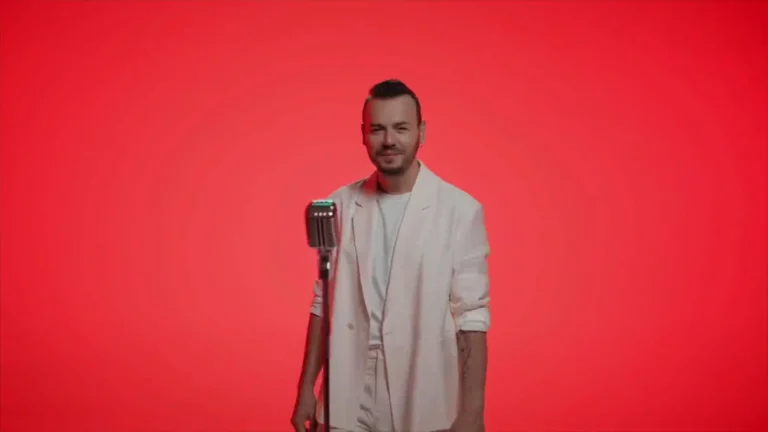
AI visualizers are short, loopable visual assets (often audio-reactive) that pair with a track to increase streams, social reach and playlist shelf-life. Use a visualizer when you want fast turnaround, multiple aspect ratios and consistent visual branding across platforms. Reserve full music videos for narrative storytelling, long-form performance, or high-budget campaigns.
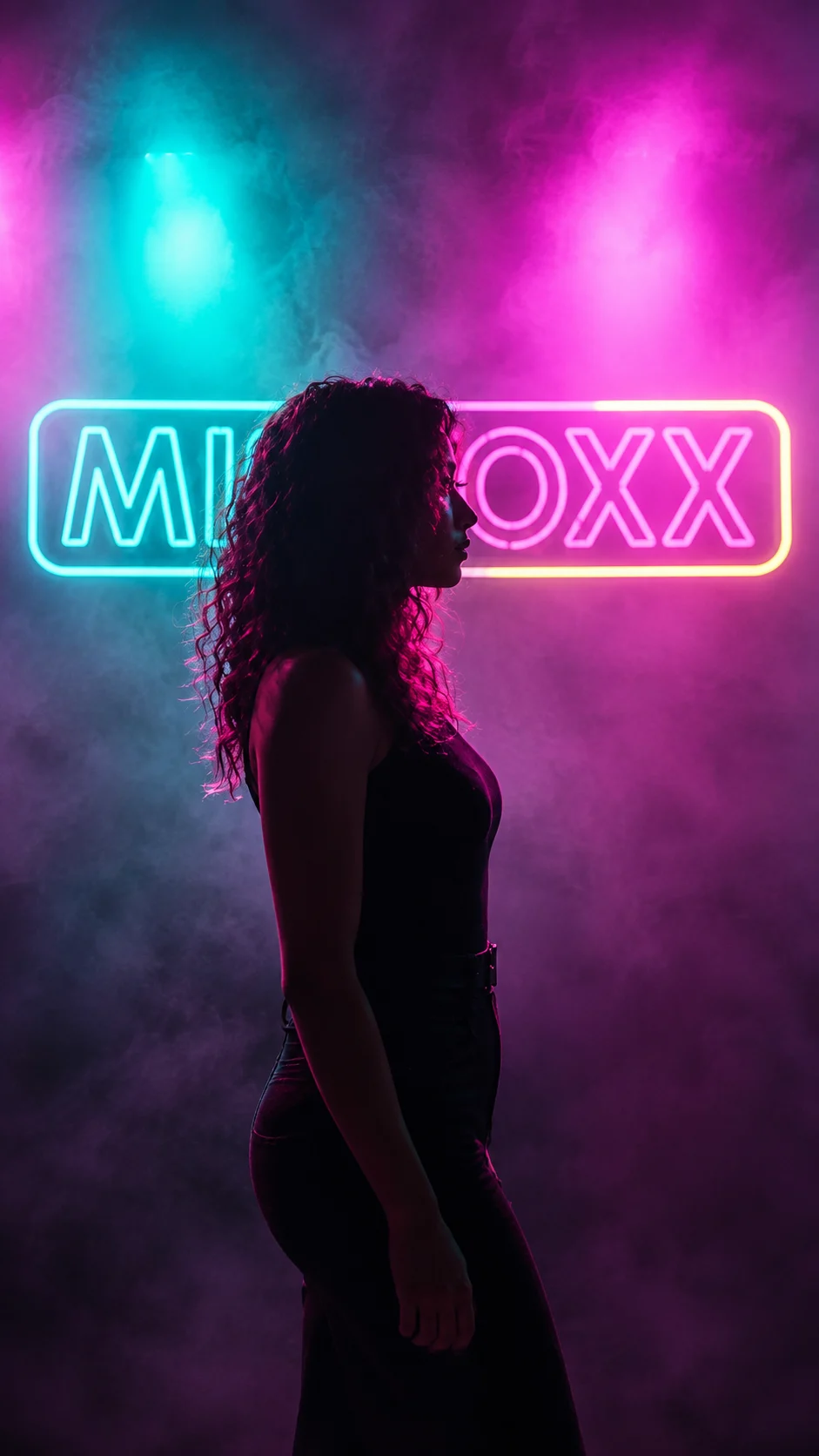
When a visualizer is the better choice
- Release goal: If your main objective is streaming discovery, playlist pitching, or a social campaign for a single, a visualizer provides a high-impact, low-friction visual that can be tailored per platform.
- Budget & timeline: Visualizers are typically faster and less expensive than full music videos because they avoid multi-location shoots, cast, and complex continuity editing. AI-driven workflows shrink iteration time further.
- Track structure: Loop-friendly material, ambient, house, electronic, lo-fi, or tracks with a repeating hook, pairs naturally with a short visual loop. Songs with minor dynamic shifts can benefit from audio-reactive visuals that accent transitions.
- Platform fit: For Spotify Canvas, TikTok teasers, YouTube Shorts and Instagram Reels, short looping visuals perform best. They also work well as background visuals in livestreams or promo ads.
When to choose a full music video instead
- Story or performance focus: If the release needs narrative storytelling, a music-video director’s vision, or live-performance authenticity, choose a full music video.
- Artist image & long-term branding: High-profile singles that anchor an album cycle often merit a full video to establish artist identity.
- Sync and licensing: If you need picture-locked sync for film, TV or complex choreography, the timing precision of a full production matters.
Creative formats for visualizers
- Looping generative visuals: Abstract shapes, morphing landscapes or branded motifs designed to loop seamlessly for 6-20 seconds.
- Audio-reactive AI video: Visual parameters (color, motion, particle density) that respond to amplitude, frequency or transients in the track. Good for emphasizing drops or vocal hooks.
- Lyric-tagged loops: Short loops with kinetic typography for a hook or chorus; ideal for social snippets and captioned ads.
- Hybrid: A short filmed performance or stills composited into a generative loop for a more personal touch while keeping costs controlled.
Production checklist & deliverables to request
- Primary loop length(s): Spotify Canvas (3-8s), TikTok/Reels/Shorts variants (6-30s recommended for clips and teasers). Confirm platform specs before finalizing.
- Aspect ratios and codecs: Vertical 9:16 (TikTok/Reels), square 1:1 (Instagram feed), horizontal 16:9 (YouTube); supply H.264 or H.265 master files and mp4 delivery.
- Variants: Full-length video (static/animated cover), 8-15s loop(s), short lyric clip, thumbnail/keyframe stills and a GIF for promo.
- Audio assets: Provide final master, stems if you want the visualizer to react to specific elements, and a reference mix.
- Style references: 3-5 visual references, brand colours, logo files, and notes on motion intensity.
Technical and creative considerations
- Loop seam: plan visual elements and animation curves so the end and start frames align without a jump.
- Audio-reactivity: reactive systems can be simple (beat-driven pulse) or complex (frequency-split visuals). More complexity increases production time.
- Rights & source images: if you supply photos or live footage, confirm usage rights for distribution and advertising.
How to brief your studio (quick template)
- Goal: discovery, playlisting, promo, or pre-release teaser?
- Platforms & specs: list target platforms and any known constraints.
- Track info: BPM, genre, timestamps of hooks or drops, and stems if available.
- Creative direction: three visuals you like, mood words, must-have brand elements.
- Timelines & revisions: delivery date and number of revision rounds.
When a visualizer becomes part of a campaign
Use visualizers as modular assets: a looping Canvas on Spotify, a vertical cut for TikTok, and a longer teaser for YouTube. They’re efficient ways to populate channels while you plan a higher-budget narrative or performance video.
Choose a music-video format that matches your release strategy, not just what looks trendy. If you want help matching format to goal and budget, Leopati can map options and deliver platform-ready visualizers tailored to your track.
Production checklist for AI visualizer for musicians
Before a music-video brief enters production, the creative team should agree on the track’s emotional arc, the role of performance, the visual references, and the scenes that must remain consistent from shot to shot. For AI Visualizers for Musicians: When a Visual Loop Is the Right Format, those decisions are more important than selecting a single generation tool. They define how the edit will breathe with the music and how the visual world will stay coherent across hero moments, transitions and alternate formats.
A practical review should also cover artist likeness, release approvals, lyric or title-card accuracy, aspect ratios and the handoff expected by the label or artist team. A directed workflow makes room for test frames, continuity checks and a final finishing pass rather than treating the first successful clip as the finished video. That is the difference between an interesting experiment and a release-ready asset.
What to confirm before production
For a visualizer, decide whether the image should support repeated listening or develop into a narrative. Test the loop seam, motion rhythm and any title treatment across several repetitions. A loop that feels smooth once can become distracting when its camera movement, brightness change or visual reset repeats throughout the track.
Review the visualizer with the released audio and confirm which display formats are needed. Keep a visualizer brief distinct from a full narrative music video brief. This format guide supports the broader discussion on Leopati’s AI music video production page.
Frequently asked questions
When is a visualizer better than a full music video?
A visualizer is better when your priority is fast discovery, playlist optimization, social snippets or cost-efficient content for multiple platforms. It’s ideal for loop-friendly tracks and campaigns where repeatable, short visuals drive engagement. Choose a full music video when you need narrative storytelling, live performance authenticity, or high-stakes image-building.
How long should a visualizer loop be for platforms like Spotify Canvas and TikTok?
Spotify Canvas accepts short loops (commonly 3-8 seconds). TikTok and Instagram Reels favour slightly longer clips (6-30 seconds) depending on the use case; YouTube Shorts should fit under 60 seconds for short-form distribution. Always verify current platform specifications before final delivery.
Can AI visualizers be made audio-reactive?
Yes. AI pipelines can drive motion, color and generative parameters from audio inputs such as beat detection, frequency bands or vocal transients. Audio-reactive visuals emphasize drops and hooks and increase perceived sync between sound and image. Complexity of reactivity affects turnaround and cost.
How does the cost of a visualizer compare to a full music video?
Visualizers are generally less expensive because they avoid live shoots, cast and location logistics. Factors that affect cost include complexity of generative visuals, level of audio-reactivity, number of aspect-ratio variants and revision rounds. For a detailed cost comparison, see the studio’s pricing guidance or the Cost page linked in our resources.
Related guides
This work at Leopati
Service: AI Music Video Production