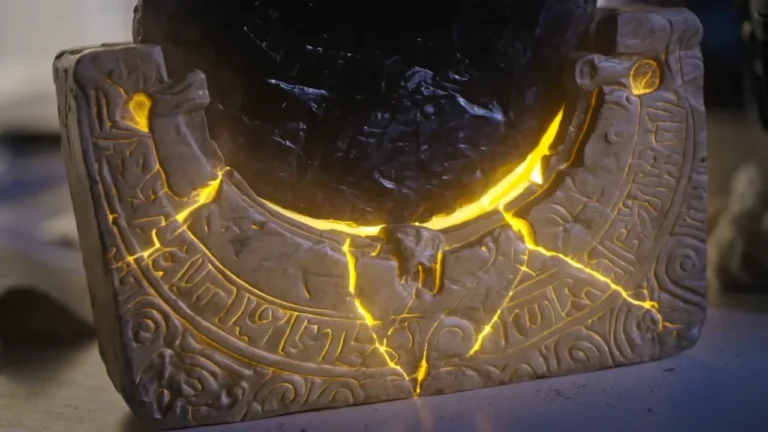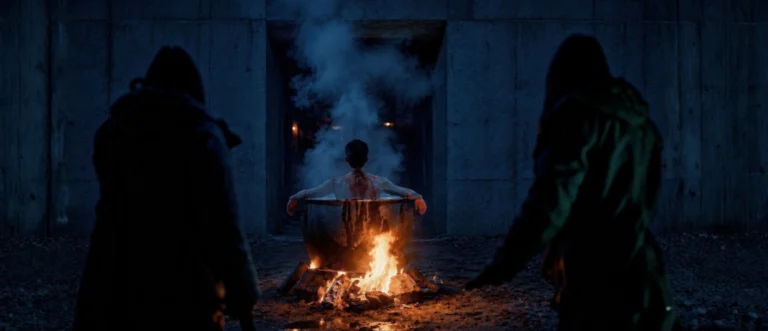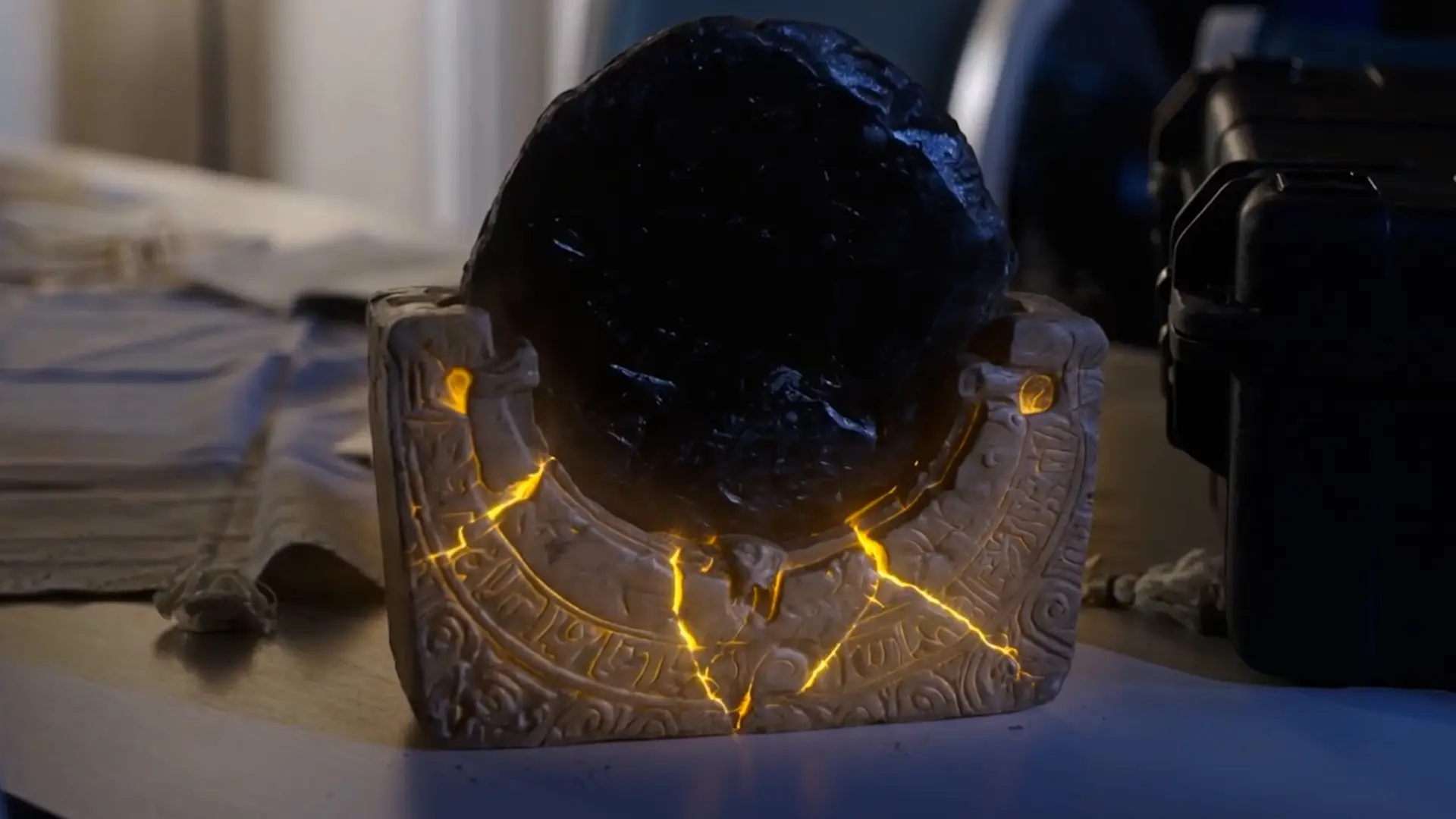
Short answer: a generated element looks fake in live-action footage for small, measurable reasons: its blacks are cleaner, its edges sharper, it has no grain, and its light comes from a different direction. Compositing fixes those differences one by one until the element carries the same camera fingerprint as the plate.
The checklist
- Black and white levels: the darkest and brightest points of the element must match the plate’s, not be deeper or brighter.
- Light direction and colour: key, fill and bounce must come from where the plate’s lights are, with the same temperature.
- Grain and noise: real cameras add texture; the element needs the same amount and size of grain.
- Lens softness and depth of field: if the plate is slightly soft at the edges or behind focus, the element must be too.
- Lens artefacts: chromatic fringing, vignetting, flares, subtle, but their absence is noticed.
- Motion blur: the element must blur like the plate when it or the camera moves.
Edges and contact
Where an element touches the scene, feet on the ground, a hand on a table, add contact shadows and a little light spill from the surroundings. Most “pasted” looks come from missing contact.
Check at the end, not only per shot
Watching the sequence in context, after the grade, reveals mismatches that single-frame checks miss. More about our process on the AI VFX page.
Frequently asked questions
Why do AI elements look pasted on?
Usually because their black levels, grain, sharpness and light direction do not match the plate, and contact shadows are missing.
Should grain be added to AI shots?
Yes, when they sit next to or inside real camera footage. The grain must match the plate’s size and strength.
What is a contact shadow?
The small, soft shadow where an object touches a surface. It anchors the element in the scene.
Related guides
This work at Leopati
Service: AI Visual Effects Production