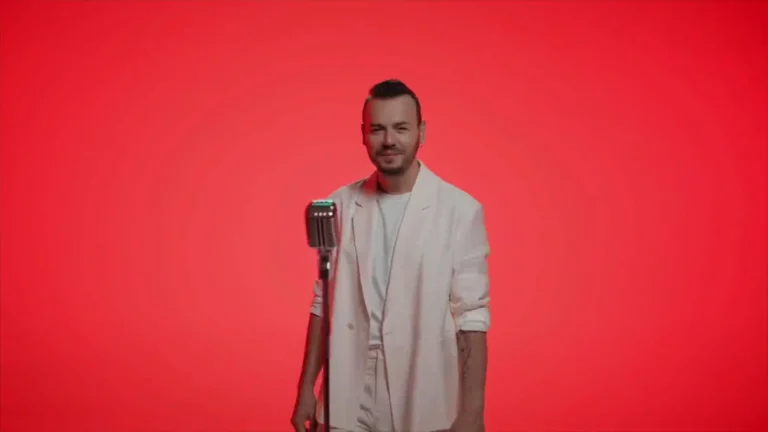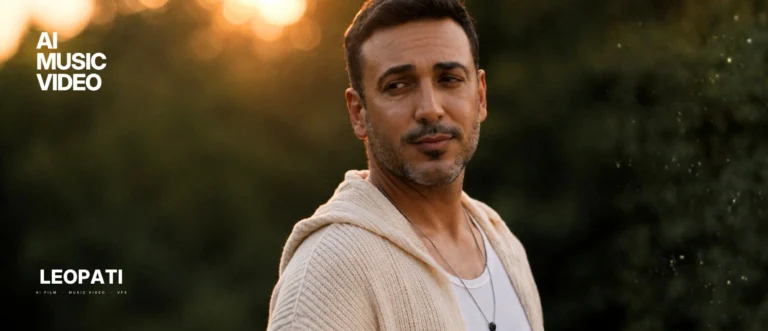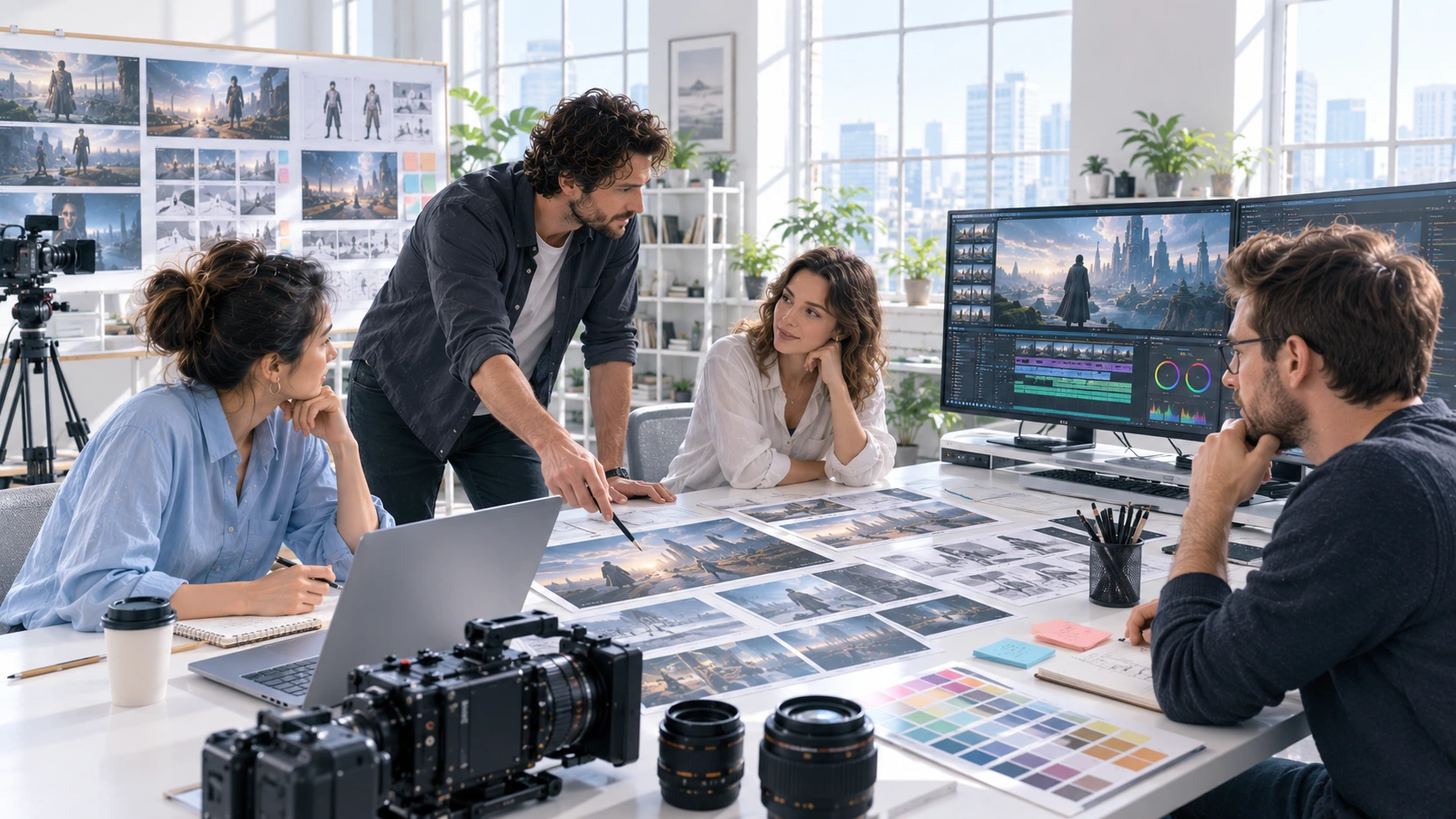
When you watch an AI music video, evaluate visuals (motion, artifacts, compositing), audio-reactive sync, narrative and continuity, and production transparency. Study verified projects, such as KING, MIDIVOXX and LAB.83, to see how those elements are handled in real pipeline work and what limitations remain.
What to look for, shot by shot
Visual coherence and motion realism: inspect motion blur, parallax and natural camera moves. AI tools often generate striking still frames but can struggle with believable in-between motion and temporal consistency.
Artifacts and repeating patterns: look for texture repetition, flicker across frames, and edge artifacts when the camera or subjects move. These are practical signs of post-processing or generator limitations.
Lip sync and performer consistency: where faces are essential, check for stable features across scenes, shape, scars, tattoos, or clothing details that should persist.
Audio-reactive timing: for music videos, examine whether visual changes align tightly with beats, accents and vocal cues. Good audio-reactive work can feel crisp and intentional; poor syncing looks mechanical or lagged.
Compositing and live-action integration: if live footage or practical elements are mixed with generative content, evaluate shadowing, reflections and contact points where elements meet the same plane.
Cinematic grammar: editing rhythm, shot sizes, and camera continuity still matter. AI visuals need human-directed cuts and pacing to read as a coherent music video.
How to analyze a finished video (practical steps)
- Watch once for story and mood, then again looking for technical details.
- Pause on problem frames (faces, hands, fast motion) and step frame-by-frame across transitions.
- Note repeating visual motifs or pixel patterns, they indicate generator sampling artifacts.
- Compare color grading and grade transitions between scenes; abrupt shifts often signal separate generation passes.
- Collect timecodes for sections you want explained by the production team (useful when evaluating producers or agencies).
What the verified Leopati examples show (what to study)
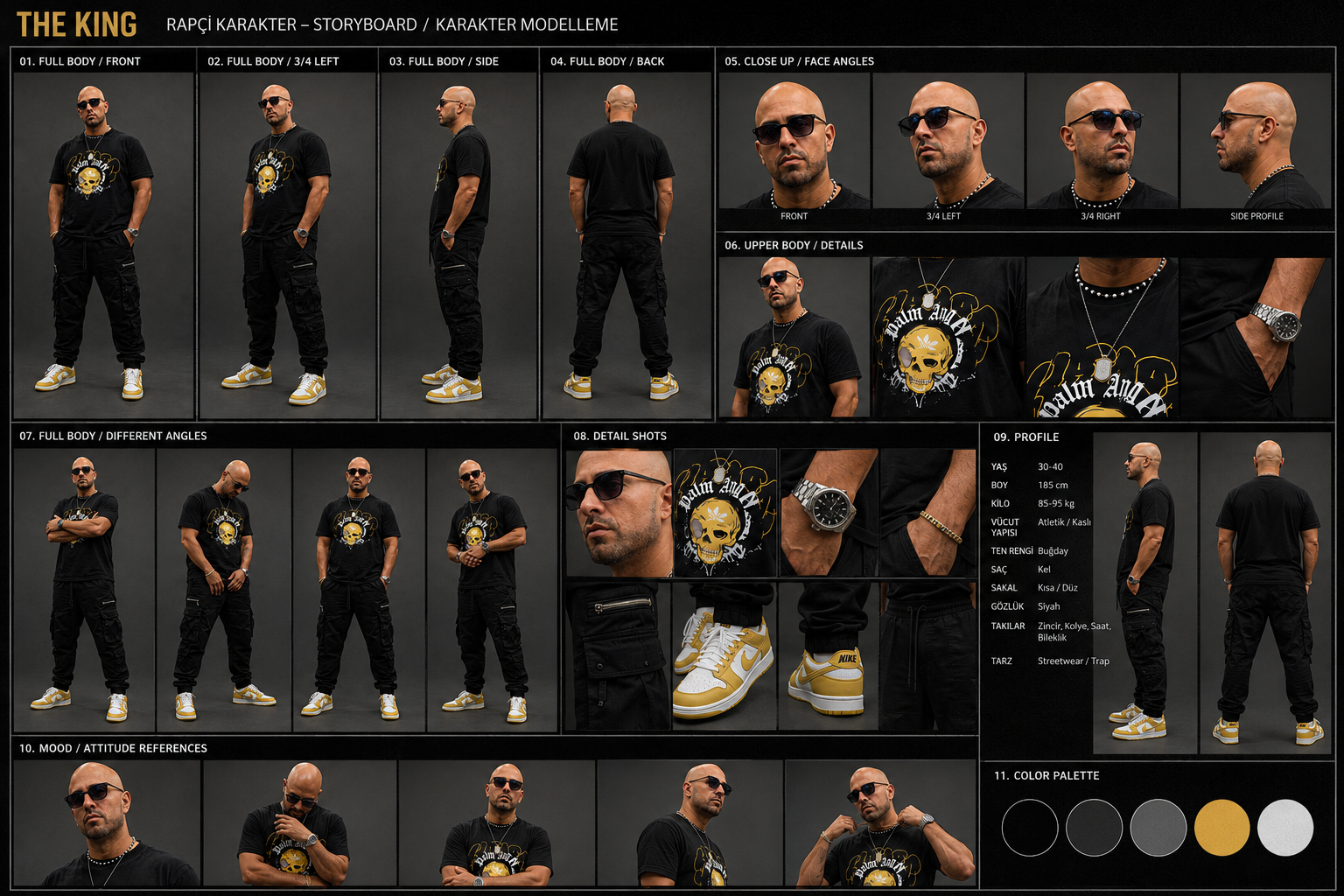
KING (DJ Orcun & Sacha Max): study mood, lighting and genre-appropriate color grading in a dark, urban treatment, note how a consistent palette supports narrative and masks some generative artifacts.
MIDIVOXX, “Pearl In The Shell”: study scene-to-scene audio-reactive consistency across multiple locations and how the edit preserves a character through stylistic shifts.
LAB.83, “Tek Yol”: study stylized world-building and the use of repeated motifs to create visual continuity where exact frame-to-frame realism is not required.
Zarafel and St. Nicholas projects: study environment and historical references, these examples are useful for assessing how research and reference images translate into believable period visuals.
Blair Witch sequences and Vanti AI Social Media clips: study atmosphere, visual effects layering and social-format adaptations (short-form vertical edits vs. widescreen narrative scenes).
Note: these are verified Leopati project titles you can study; production notes or stills linked in the portfolio will indicate which segments were AI-generated, post-processed, or composited with live elements.
Questions to ask when you want to reproduce a result
- Which portions are generator output versus compositor/CG/visual effects work?
- How is audio-reactive behavior implemented and controlled across the timeline?
- What deliverables and format variants will you receive (masters, stems, social cuts)?
- Who handles rights clearance for any reference assets or training data used?
- What quality-control steps prevent frame flicker and identity drift?
These questions help separate a simple demo from a production-grade music video.
Quick checklist for labels, directors and artists
- Verify timecodes and scene notes in the portfolio assets you review.
- Ask for example stills and a short technical breakdown for any shown video.
- Prioritize continuity (character, props) over single-frame spectacle when evaluating suitability for broadcast or touring.
- Confirm deliverables and versioning workflows up-front to avoid scope creep.
Learn from examples, but verify production details
Use Leopati’s verified project stills and linked production notes to understand decision-making and where human craft was required after generative passes. A generator alone won’t deliver a finished music video without human direction, compositing and editorial control.
View more on production workflow in our AI Music Video Production and Cinematic guides, or see verified examples in our portfolio for frame-level study.
Production checklist for AI music video examples
Before a music-video brief enters production, the creative team should agree on the track’s emotional arc, the role of performance, the visual references, and the scenes that must remain consistent from shot to shot. For AI Music Video Examples: What to Study in Real Production Work, those decisions are more important than selecting a single generation tool. They define how the edit will breathe with the music and how the visual world will stay coherent across hero moments, transitions and alternate formats.
A practical review should also cover artist likeness, release approvals, lyric or title-card accuracy, aspect ratios and the handoff expected by the label or artist team. A directed workflow makes room for test frames, continuity checks and a final finishing pass rather than treating the first successful clip as the finished video. That is the difference between an interesting experiment and a release-ready asset.
What to confirm before production
When studying an example, watch one complete passage before judging the individual frames. Note how a character survives a cut, how motion follows the musical phrase and whether the next shot develops the same visual idea. Separate an artist’s official release from a studio case study so that the source and the production role are clear.
Compare the published film with its Leopati portfolio case study when one is available. The case study provides context for the work; the film lets you examine continuity and editing directly. Examples support a production discussion, while the music video service page explains what a commissioned project involves.
Frequently asked questions
What should viewers evaluate in an AI music video?
Evaluate motion realism, visual artifacts, lip and character continuity, audio-reactive timing, compositing quality with any live-action, and the editing rhythm. Also check for production transparency, whether deliverables and technical notes are provided.
How can I tell if a music video used AI generation or traditional visual effects?
Look for frame-to-frame inconsistency (flicker, identity drift), repeating texture patterns, or sudden shifts in detail. Traditional visual effects generally show stable frame-to-frame continuity where AI-only passes can struggle without careful compositing and editorial work.
Are AI-generated music videos suitable for commercial release?
Yes, when they are finished through a production pipeline that includes human direction, compositing, color grading and rights clearance. Raw generator output alone often needs additional work to meet broadcast or streaming standards.
Which Leopati projects are useful study references?
Verified Leopati examples to study include KING (DJ Orcun & Sacha Max), MIDIVOXX 'Pearl In The Shell', LAB.83 'Tek Yol', Zarafel, St. Nicholas and sample sequences like Blair Witch or Vanti AI Social Media clips. Check portfolio stills and production notes for frame-level analysis.
Related guides
This work at Leopati
Service: AI Music Video Production