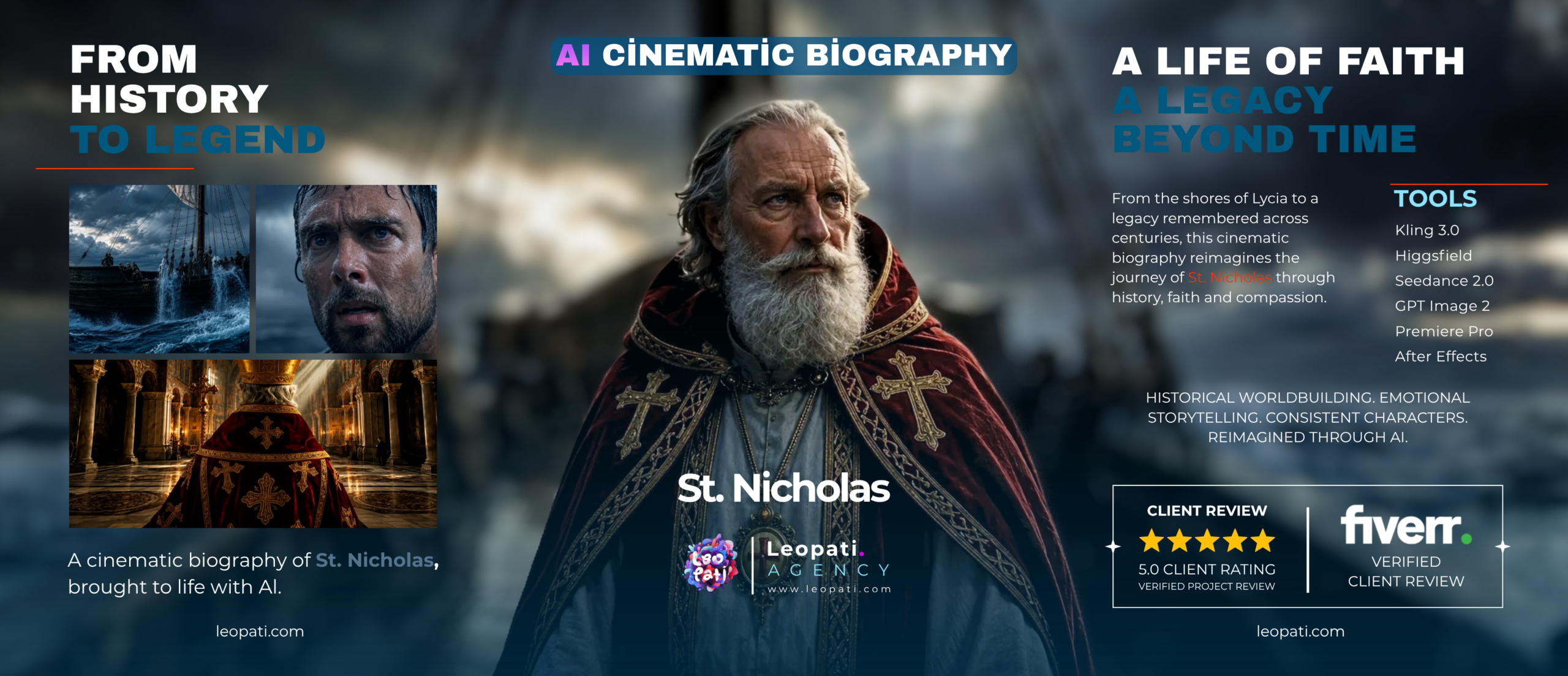
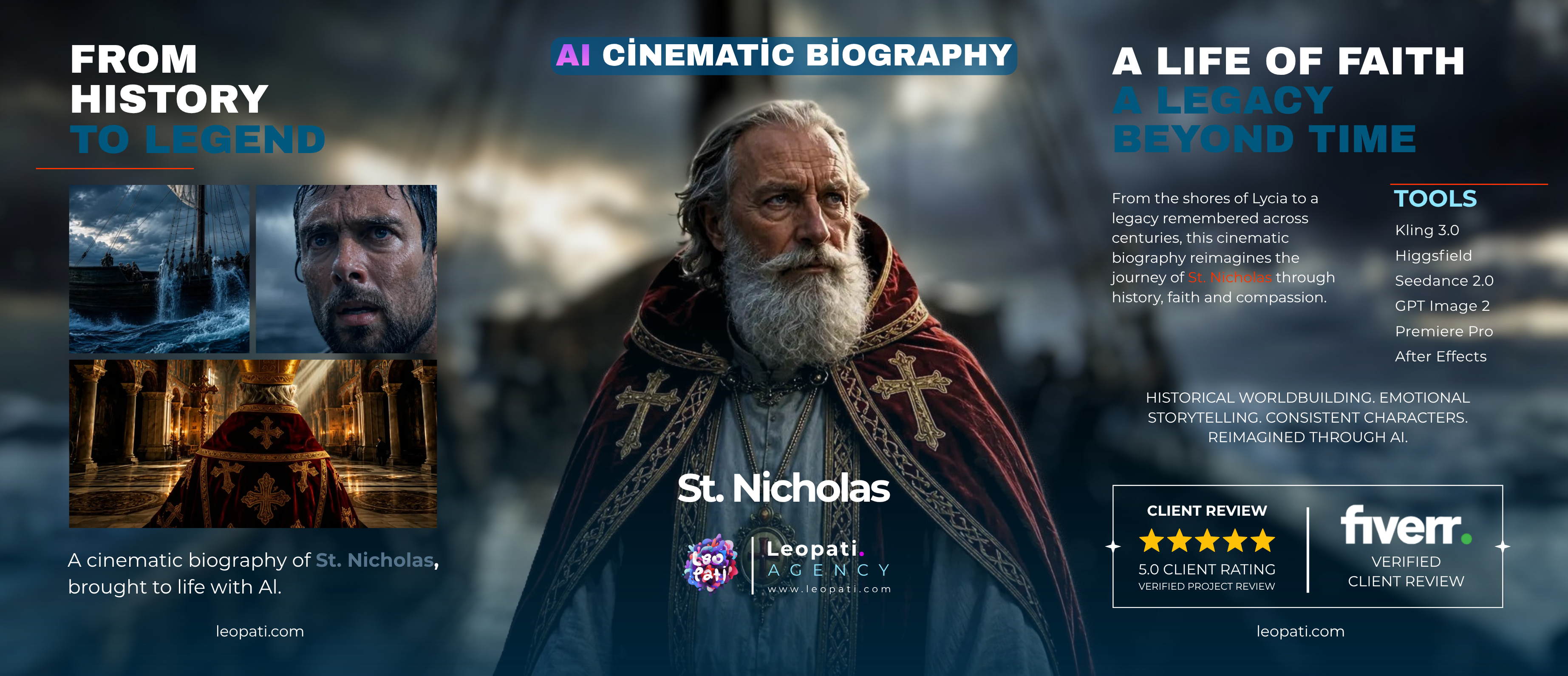
Generative AI film production is a full creative pipeline that uses generative models to produce visual and audio assets while applying traditional film craft. A production-ready pipeline covers world-building, consistent character design, shot generation and previs, live-action or VFX integration, editorial workflows, color and audio finishing, delivery formats, and rights management.
What this guide covers
This guide explains the practical steps and deliverables you should expect when commissioning a generative AI film: how worlds and characters are established, how scenes are generated and controlled, how editorial and finishing work differs from conventional projects, and how deliverables are prepared for clients and platforms.
1. Pipeline overview — phase by phase
- Concept & world‑building: define the film’s rules (visual language, era, palette, technology and physical laws). The world document is the reference for every generator prompt and artist decision.
- Character design & consistency: create model sheets, turnarounds, and a tokenized character brief (text+visual references) so generative calls produce the same person across scenes.
- Scene blocking & previs: low-res animated previs or storyboards with timing, camera moves and continuity notes — this controls pacing and shot framing before high‑quality renders.
- Asset generation & shot production: iterative passes that produce backgrounds, props, clothing and characters. Expect multiple passes: concept renders, refined frames, and final-frame passes for editorial.
- Live-action & VFX integration: if combining live plates, capture matching camera metadata, lighting references and depth passes for compositing.
- Sound, voice & Foley: synthetic audio (voice, ambience) must be authored and edited on the same editorial timeline as picture to keep sync and emotion intact.
- Edit, colour grade & finishing: editorial assembly, conform, color grading and final VFX passes. Grading often requires generator re-renders or targeted corrections to maintain consistency.
- Delivery & versioning: master files, platform versions, localization assets and handoffs (stems, editorial project files, render layers).
2. World-building: the first creative control point
A rigorous world bible reduces “drift” between scenes. Include visual references, physical rules (e.g., gravity, scale), palette, typography, cultural cues and a do/don’t list for generators. Use iterative reference boards — a single board reduces contradictory prompts later.
3. Keeping characters consistent (the hard part)
Generative systems are probabilistic. Use these practical controls:
– Tokenized character prompts and saved reference images.
– Style anchors (photographic treatment, lens, grain, depth of field).
– Per-scene constraints: same pose libraries, lighting rigs and facial expression maps.
– Manual fixes: 2D/3D touch-ups or rotoscoped passes for identity-critical shots.
4. Editorial workflow and archive management
Treat AI shots like any VFX-heavy sequence: maintain versioned editors’ bins, EDLs/AAF/ODF exports, and label renders by seed, model, prompt and pass number. This traceability is vital for fixes, localization and legal review.
5. Colour, texture and consistency checks
Greyscale and LUT passes help control mood across generator models. Frequently the colorist will request generator rerenders with exposure or material tweaks rather than attempting heavy corrections in grading.
6. Deliverables & handoff checklist
Common deliverables:
– Master DPX/ProRes master (24/25/30 fps as agreed)
– Platform versions (16:9, vertical, social cuts)
– Audio stems (dialogue, music, SFX)
– Editorial project file and EDL/AAF
– Reference stills and world/character bibles
– Rights and model/source documentation
7. Legal, ethical and IP considerations
Confirm source training data policies and clearances for synthetic likenesses and voice models. Decide ownership and permitted reuse of prompts, seeds and model checkpoints in contract terms.
8. Tools, roles and when you need a production partner
Generative outputs are not the same as a self-serve generator. A production partner provides end-to-end creative direction, iteration discipline, version control, compositing and finishing skill that a single generator interface cannot. Expect a team (creative director, generative artist, compositor, editor, colorist, sound designer) rather than an automated output.
Briefing checklist for a generative film
Include: story treatment, reference board, character turnarounds, desired runtime and aspect ratios, target platforms, language/localization plan, any pre-existing brand guidelines, and legal constraints for likeness or music.
Planning considerations (high level)
- Time: iteration-heavy stages (character consistency, key scenes) take longer than initial concept passes.
- Budget: allocate contingency for re-renders, compositing fixes and mix passes.
- Quality: higher finish requires layered outputs from generators (passes, mattes, normals) to integrate cleanly with grading and VFX.
Next step
If you have a treatment or reference board, we can review how a generative pipeline would map to your schedule and deliverables. For a pipeline overview, see AI Film Production and the service note on What Is an AI Video Production Studio?.
Frequently asked questions
Q: What is included in a generative film production pipeline?
A: It includes world-building, character design and consistency systems, previs, asset and shot generation, live-action/VFX integration, sound design, editorial, color grading, quality assurance and final delivery packages (masters, platform cuts, stems and project files).
Q: How long does a generative AI film take compared with a conventional shoot?
A: It depends on complexity and iteration goals. Early concept and testing can be faster, but achieving consistent characters, complex scenes and high-end finishing typically requires similar editorial and VFX time as traditional productions.
Q: Will a generator alone produce a finished film?
A: No. Generative tools produce assets; a finished film needs creative direction, editorial discipline, compositor work, color grading and sound design — functions provided by a production service rather than a single-generator workflow.
Q: Who owns the rights to AI-generated footage?
A: Ownership depends on contract, model licensing and the provenance of training data. Confirm rights and permitted uses in writing before production begins.